> ## Documentation Index
> Fetch the complete documentation index at: https://emeregpteltd.mintlify.site/llms.txt
> Use this file to discover all available pages before exploring further.
# Quickstart (Code)
> Spin up your virtual browser and connect to it in 5 minutes.
Clone this GitHub repo to use Emereg with PlayWright in Node.
## Setup your development
1. Get your API Key
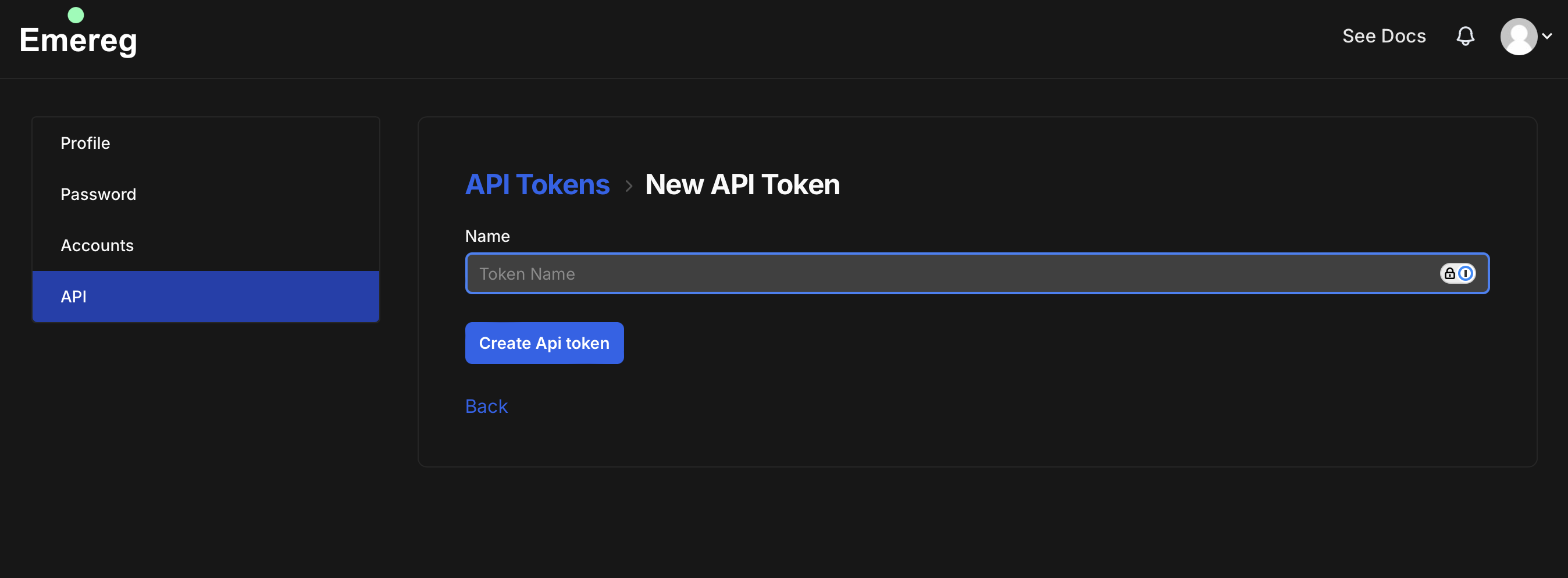
Go over to [https://emereg.com/api\_tokens](https://emereg.com/api_tokens) and create a new API token.
 2. Spin up a browser session via the [Sessions API](/api-reference/sessions/create-a-new-session)
3. Connect to the browser using the `browser_id`
```javascript PlayWright theme={null}
import { chromium } from 'playwright-core'; // npm i playwright-core
const endpointURL = `wss://browser.emereg.com/devtools/browser/${browser_id}`
const browser = await chromium.connectOverCDP(endpointURL);
const contexts = browser.contexts()
const pages = contexts[0].pages()
let page = pages[0]
await page.goto('https://emereg.com')
```
```javascript Puppeteer theme={null}
// email support@emereg.com for access.
```
```javascript Selenium theme={null}
// email support@emereg.com for access.
```
2. Spin up a browser session via the [Sessions API](/api-reference/sessions/create-a-new-session)
3. Connect to the browser using the `browser_id`
```javascript PlayWright theme={null}
import { chromium } from 'playwright-core'; // npm i playwright-core
const endpointURL = `wss://browser.emereg.com/devtools/browser/${browser_id}`
const browser = await chromium.connectOverCDP(endpointURL);
const contexts = browser.contexts()
const pages = contexts[0].pages()
let page = pages[0]
await page.goto('https://emereg.com')
```
```javascript Puppeteer theme={null}
// email support@emereg.com for access.
```
```javascript Selenium theme={null}
// email support@emereg.com for access.
```