> ## Documentation Index
> Fetch the complete documentation index at: https://emeregpteltd.mintlify.site/llms.txt
> Use this file to discover all available pages before exploring further.
# Quickstart (Playground)
> Spin up your virtual browser and connect to it in 5 minutes.
## Steps
1. Sign up for an account at [Emereg](https://emereg.com/users/sign_up)
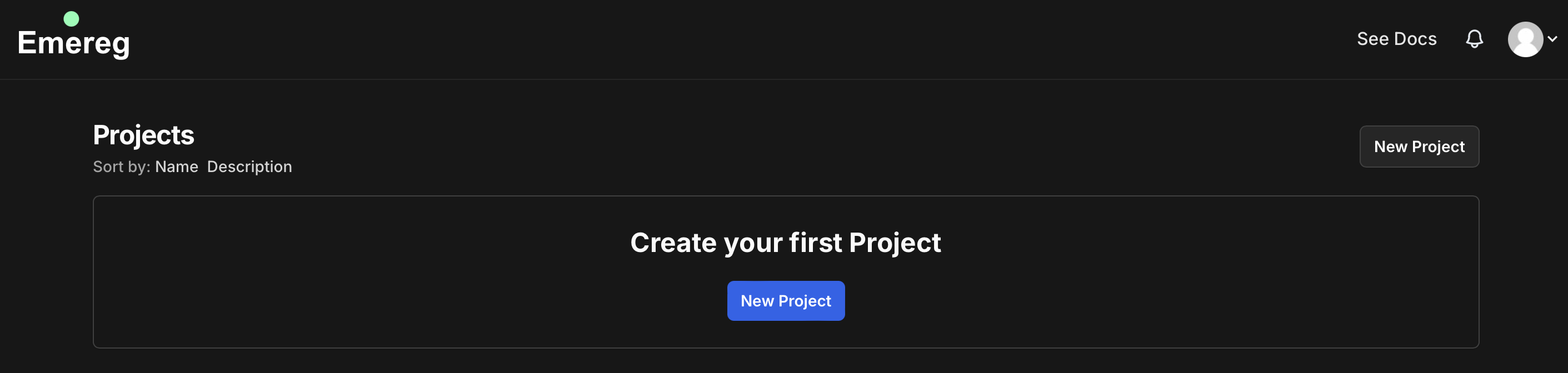
2. Create a new project
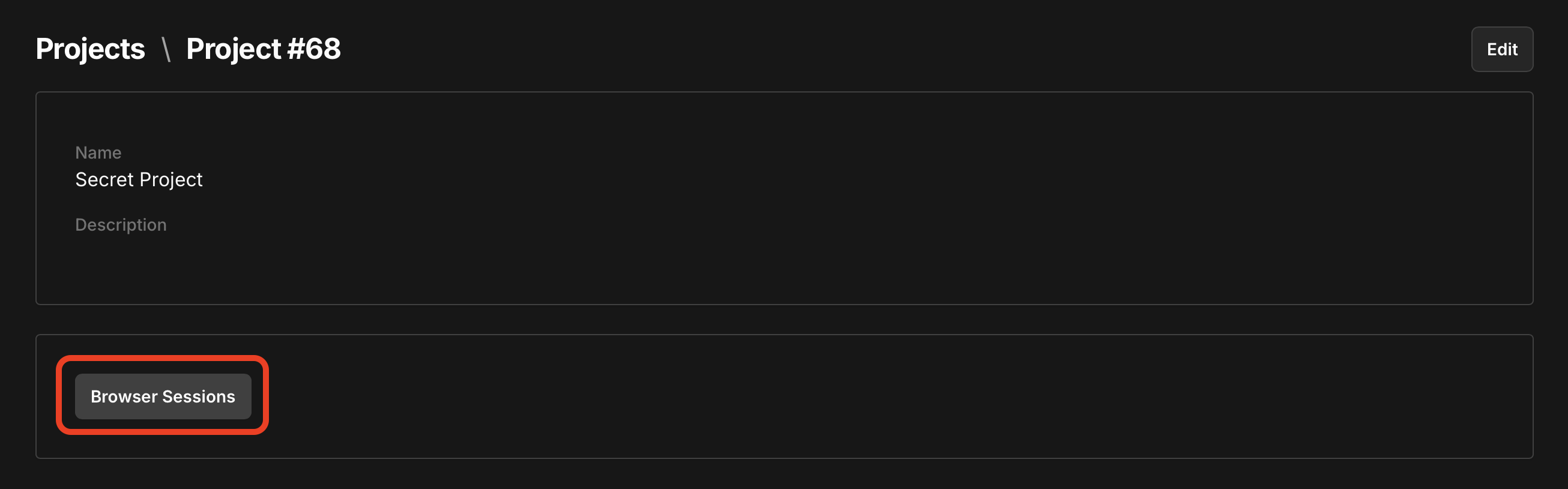
 3. Create a new browser session with the created project's `project_id` and the desired `timeout`.
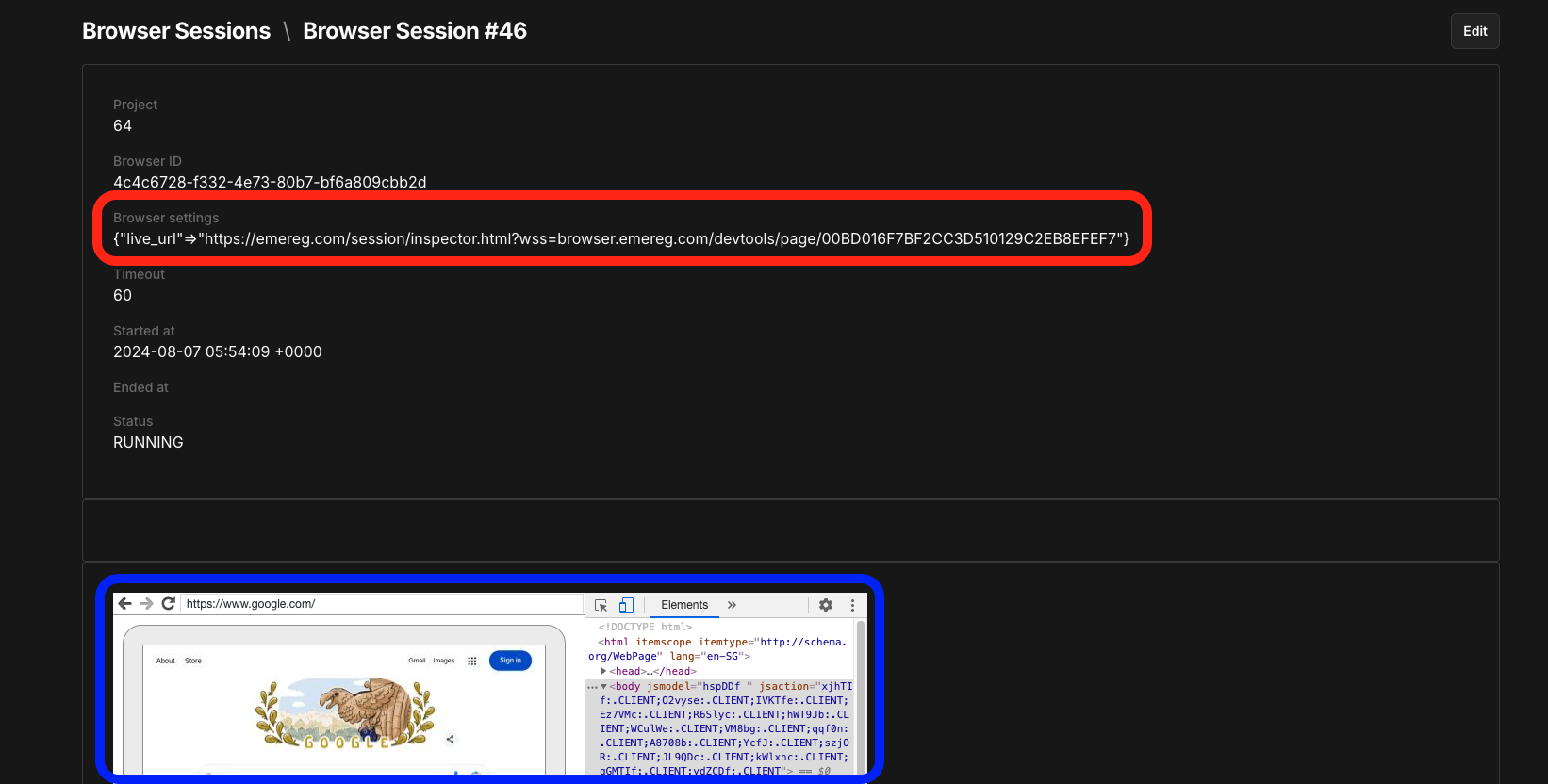
 4. Access the [Live Session](/session-live) by pasting the `live_url` into your Chromium browser.